
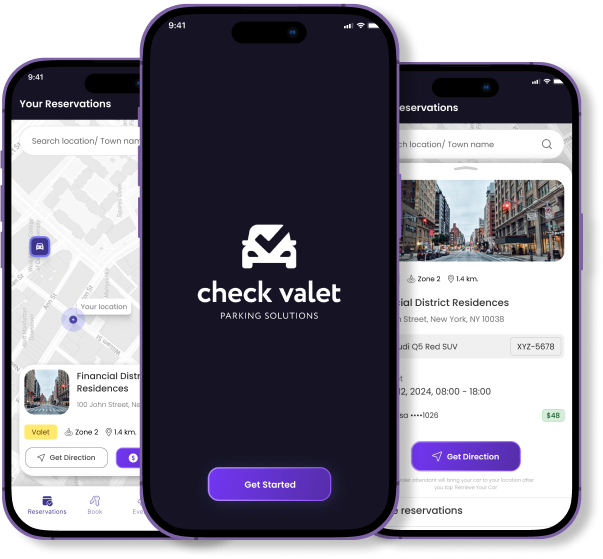
1
Download the App
- iOS users: Visit the App Store and search for "Check Valet."
- Android users: Go to the Google Play Store and search for "Check Valet."
2
Create an Account
- Open the app and tap on “Create Account.”
- Enter your name, email address, and phone number.
- Set a secure password.
- Agree to the terms and conditions, then tap “Sign Up.”
3
Make a Reservation
- From the home screen, tap on “Make a Reservation.”
- Select your desired location from the list of partner venues.
- Choose the date and time for your reservation.
- Confirm the details and tap “Reserve.”
4
Drop Off Your Vehicle
- Arrive at the selected location at your reserved time.
- A professional valet will greet you and assist with parking your vehicle.
5
Track Your Vehicle
- Open the app and navigate to “My Reservations.”
- Select your current reservation to view real-time updates on your vehicle’s status.
6
Request Vehicle Retrieval
- When you’re ready to leave, open your current reservation.
- Tap on “Request Vehicle.”
- The valet will prepare your vehicle for pickup.
7
Make a Payment
- Once your vehicle is retrieved, the app will prompt you to complete the payment.
- Choose your preferred payment method and confirm the transaction.
8
Rate Your Experience
- After the transaction, you’ll have the option to rate your experience.
- Provide feedback to help improve the service.
Go beyond parking
Additional Features
Safe Home Valet Project
If you’re unable to drive, request a professional driver to take you and your vehicle home safely.
Referral Rewards
Invite friends to use Check Valet and earn discounts on future services.
Membership Options
Explore monthly and yearly membership plans for regular users.
Customer Support
For assistance, contact Bryan at 631.972.0797.
Experience a smarter way to park with Check Valet. Download the app today and enjoy fast, secure, and hassle-free valet parking at your favorite locations.
Get Check Valet